Keep parcels together
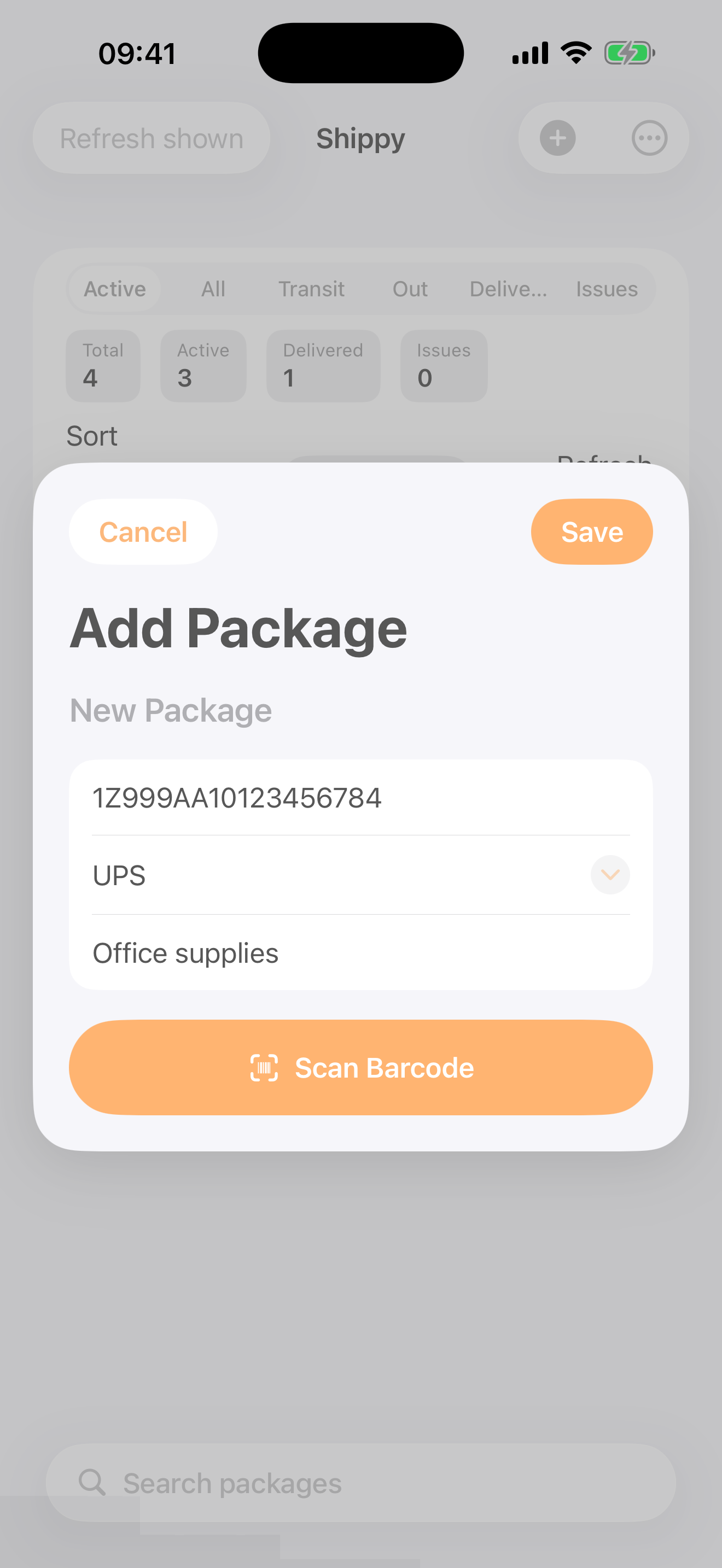
Explore the iPhone app before creating a web account. See the real Add Package screen above and check the current listing.
Explore Shippy for iPhone → Shippy
Package tracking, without the clutter
Bring parcels from supported carriers together in Shippy for iPhone. Start with a tracking number, then keep the delivery story in one place.
Free to download · Optional in-app purchases
See the App Store listing for current features, prices and device requirements.
Practical delivery help
A label is not the same as a carrier acceptance scan.
Read the checklist →Check event times and the original carrier feed before assuming loss.
Check a quiet tracking feed →Review the delivery details and contact the sender or carrier appropriately.
Choose the next step →Use the notice to check collection or redelivery options safely.
Open the missed-delivery guide →Find the shipment reference rather than the shop's order number.
Compare the references →Understand notification controls and the freshness of a parcel status.
Read the alerts guide →Shippy is independent of carriers and retailers. Coverage and updates depend on the tracking reference, region and configured providers. Carrier estimates can change. These guides do not book a redelivery, track a parcel or decide a claim.
Start with your next parcel
Visit the current iPhone listing. No website account is needed to open it.